The Ultimate Canadian Winter Tech Guide (2026): Stopping Sub-Zero Phone Battery Drain & Slashing Heating Bills with Smart Thermostats

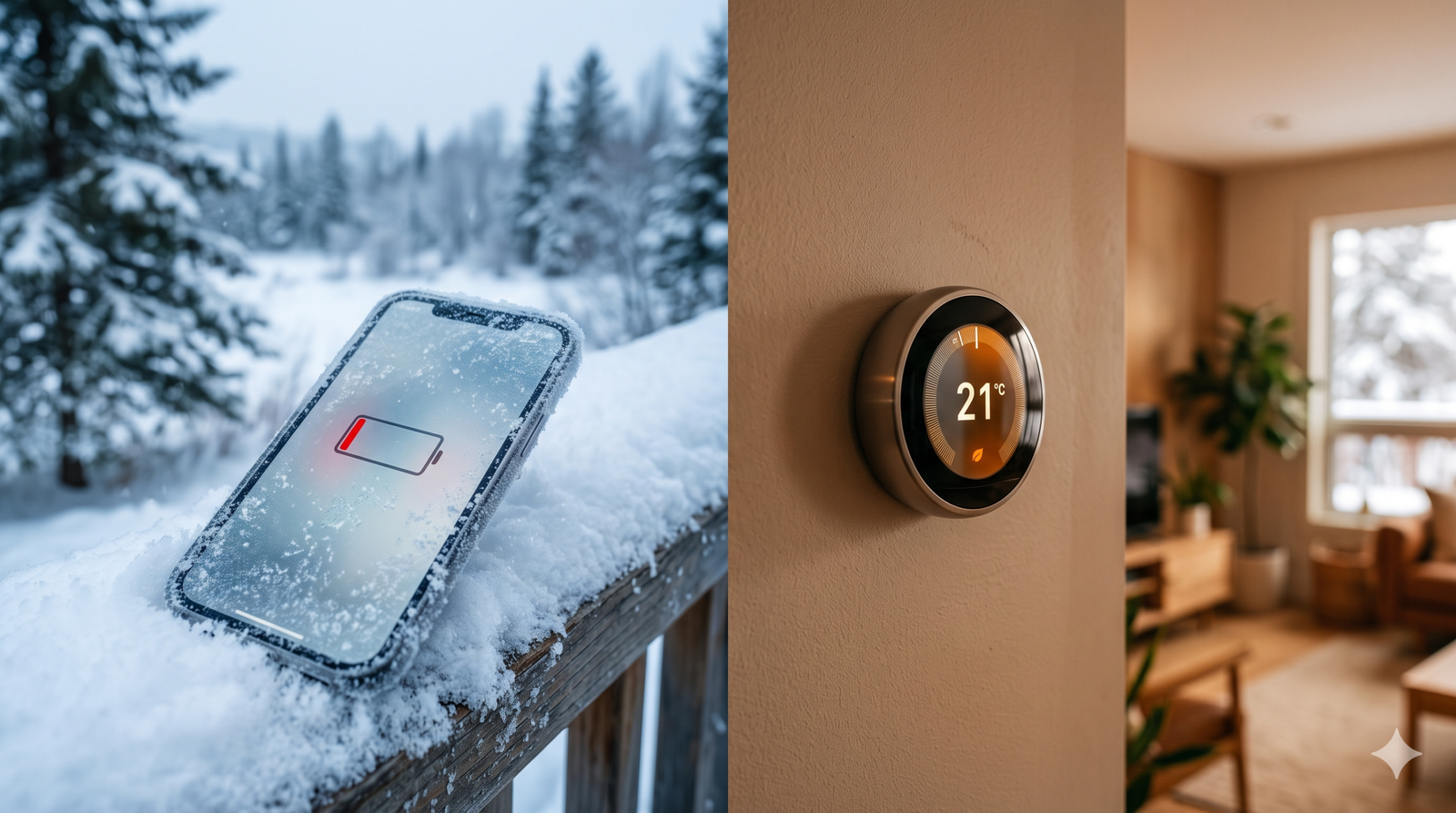
Every October and November, millions of Canadians experience the exact same double-whammy of seasonal frustration. First, you step outside into a brisk -15°C morning in Calgary, Winnipeg, Montreal, or Ottawa, pull out your smartphone to check transit times or snap a photo, and watch your battery percentage plummet from 45% to a black screen in seconds. Second, you walk back inside to your first cold-snap utility bill and realize your furnace or electric baseboards are quietly draining your bank account.
Winterizing your life in Canada is no longer just about swapping to winter tires and sealing drafty windows—it requires winterizing your personal and home technology.
In this comprehensive two-part guide, we break down the exact electrochemistry behind why flagship smartphones fail in sub-zero Canadian weather (including how 2026’s new silicon-carbon battery tech changes the game) and go head-to-head with Ecobee vs. Google Nest to see which smart thermostat actually saves you more money on Canadian energy bills—and how to claim up to $200 in 2026 provincial utility rebates.
PART 1: Why Your Smartphone Battery Dies Instantly in the Canadian Cold (And How to Prevent It)
If you have ever been stranded outside waiting for an Uber or trying to unlock a communal Bixi or car-share vehicle only for your phone to abruptly power down at 32% battery, your battery isn’t necessarily broken. It is a victim of basic physics and lithium-ion electrochemistry.
The Science of the “Phantom 30% Shutdown”
Modern smartphones—including the latest Apple iPhone series, Samsung Galaxy S-series, and Google Pixel flagships—rely on lithium-ion (Li-ion) or lithium-polymer (Li-Po) batteries. Inside that ultra-thin rectangular pouch, lithium ions travel through a liquid electrolyte solution from the anode (negative side) to the cathode (positive side) to generate electrical current.
When your phone is exposed to temperatures below 0°C (32°F), and especially when ambient temperatures hit -10°C to -25°C, three critical things happen inside the cell:
Electrolyte Viscosity Thickens: Just like motor oil thickens in a cold engine block, the liquid electrolyte inside your phone’s battery becomes sluggish and viscous in freezing weather. Lithium ions can no longer swim across the separator quickly enough to meet the processor’s power demands.
Internal Resistance Spikes: As ion movement slows down, the battery’s internal resistance (R_{int}) skyrockets. By Ohm’s Law (V = I \times R), when internal resistance spikes and your phone demands a sudden burst of current (I)—like opening the camera app, firing up 5G modems, or maxing out screen brightness against snow glare—the terminal voltage drops precipitously.
The BMS Emergency Cutoff Triggers: Every modern smartphone has a Battery Management System (BMS) chip designed to protect the battery from catastrophic chemical instability. When cold-induced resistance causes the battery’s output voltage to dip below its minimum safe threshold (typically around 3.0V to 3.2V), the BMS assumes the battery is completely empty and triggers an immediate hard shutdown—even if the cell still holds 30% or 40% of its actual chemical charge.
Once you bring the phone back inside a warm coffee shop, the electrolyte warms up, internal resistance drops, voltage recovers, and your phone magically turns back on with 28% battery remaining.
The 2026 Game-Changer: Graphite vs. Silicon-Carbon (Si/C) Batteries
For over a decade, smartphone makers used standard graphite anodes in their lithium-ion batteries. Graphite has a strict physical ceiling on how many lithium ions it can hold and struggles severely below -10°C.
However, the biggest hardware shift in the 2026 smartphone market is the widespread adoption of Silicon-Carbon (Si/C) anode batteries, pioneered by brands like OnePlus (OnePlus 13/14 series), Motorola (2026 Razr Ultra/Fold), Honor, Vivo, and Xiaomi.
Instead of pure graphite, silicon-carbon batteries infuse silicon nanostructures into a carbon matrix. Because silicon can bind with significantly more lithium ions than graphite, manufacturers are cramming 6,000mAh to 6,500mAh batteries into phones that are no thicker than a standard 5,000mAh device. More importantly for Canadians, silicon-carbon anodes paired with solid-state-inspired low-temperature electrolytes maintain stable voltage curves down to -20°C (-4°F), drastically reducing sudden cold-weather shutdowns.
Flagship Cold-Weather Showdown: iPhone vs. Samsung Galaxy vs. Pixel vs. OnePlus
How do the most popular phones in Canada actually hold up when the polar vortex hits?
7 Proven Ways to Stop Your Phone from Dying in the Canadian Winter
You don’t need to buy a brand-new phone to survive January in Edmonton or Quebec City. Follow these seven engineering-backed habits before stepping out the door:
1. Never Charge a Freezing Cold Phone (The Golden Rule)
This is the single most expensive mistake Canadians make. When you come inside from sub-zero weather and immediately plug your ice-cold phone into a fast charger, the sluggish lithium ions cannot intercalate (absorb) into the graphite anode fast enough. Instead, metallic lithium builds up on the surface of the anode—a permanent, irreversible process called lithium plating.
The Result: Lithium plating permanently destroys your battery’s maximum capacity and can cause internal short circuits or battery swelling. Always let your phone warm up to room temperature for 20–30 minutes before plugging it in.
2. Move Your Phone from Your Outer Parka Pocket to an Inside Layer
Your human body is a continuous 37°C (98.6°F) space heater. Storing your phone in an uninsulated exterior jacket pocket or a backpack exposes it directly to ambient -20°C air. Keep your phone in an inside breast pocket or front pants pocket where trapped body heat keeps the battery at a comfortable +15°C to +25°C.
3. Ditch Naked Metal/Thin Plastic Cases for Thermal Insulation
Aluminum and titanium smartphone frames are phenomenal thermal conductors—meaning they suck heat out of your phone instantly in winter. Swap ultra-thin hard plastic cases for thick silicone, genuine leather, or dedicated thermal pouches (like Phoozy insulated sleeves) built with NASA-style Mylar/aerogel layers that reflect internal heat back into the phone.
4. Turn ON “Low Power Mode” Before Stepping Outside
Wait until you’re at 15% and it’s already too late. Turning on Low Power Mode (iOS) or Power Saving Mode (Android) before walking into the cold throttles peak CPU clock speeds, reduces screen refresh rates from 120Hz to 60Hz, and pauses background 5G syncing. By preventing sudden current spikes (I), you prevent the sudden voltage drops (V) that trick the BMS into shutting your phone off.
5. Use Earbuds or a Smartwatch for Calls and Navigation
Pulling your bare phone out into a -15°C windchill exposes the large glass screen directly to convective cooling, draining heat in under 90 seconds. Keep the phone tucked inside your warm coat and use Bluetooth earbuds (with voice assistants) or a smartwatch under your cuff to change tracks, check directions, or answer calls.
6. Avoid Cold-Car Overnight Storage
Leaving your phone—or a spare power bank—in your car’s glovebox overnight during a Canadian winter subjects the cells to prolonged deep-freeze soaking. Even if the device isn’t turned on, sustained exposure below -20°C degrades the SEI (Solid Electrolyte Interphase) layer inside the battery, shaving months off its lifespan.
7. Pre-Warm Your Phone with a Hand Warmer or MagSafe Battery Pack
If you are skiing at Whistler, Mont-Tremblant, or Blue Mountain, or working outdoors for hours, attach a MagSafe wireless power bank to the back of your phone. Wireless charging is inherently inefficient—converting roughly 20–25% of energy into waste heat. In the summer, that heat is annoying; at -20°C on a ski lift, a MagSafe pack acts as a personal electric blanket bolted directly to the back of your phone’s battery.
PART 2: Ecobee vs. Nest (2026) — Which Smart Thermostat Saves More Money on Canadian Energy Bills?
Once you step back inside from the cold, your focus shifts from saving milliwatts in your pocket to saving kilowatt-hours and cubic metres of natural gas in your home. Heating accounts for over 60% of the average Canadian household’s energy bill, and with carbon pricing adjustments, delivery fees, and fluctuating winter rates, upgrading to a smart thermostat is the highest-ROI smart home investment you can make.
In Canada, the smart thermostat market is a heavyweight bout between two titans: Toronto-born Ecobee (specifically the Ecobee Smart Thermostat Premium and Enhanced) and Google Nest (Nest Learning Thermostat 4th Gen and the entry-level Nest Thermostat).
Let’s break down which one is actually built for Canadian homes, multi-stage furnaces, and frigid cold snaps.
The Fundamental Philosophy Difference: Learning vs. Sensing
While both devices sit on your wall and let you adjust the heat from your smartphone while lying in bed, they solve home heating in completely different ways:
Google Nest relies on Machine Learning: Nest tries to learn your daily routine as you turn the dial up and down during the first two weeks, building an automated schedule behind the scenes and using your phone’s GPS (Home/Away Assist) to turn down the heat when you leave.
Ecobee relies on Room Occupancy & Scheduled Comfort Settings: Founded in Toronto specifically to tackle Canadian winters, Ecobee focuses on SmartSensors placed in the rooms you actually use. Instead of only measuring the temperature in a drafty, empty hallway where the thermostat is wired, Ecobee measures the exact temperature and human occupancy in your bedroom at night or your home office during the day.