By Connect Digital World | Tech News Made Easy
Your phone rings. The screen shows a number you do not know. Should you answer? Is it a delivery person, a bank or a scammer? Until now, you could only guess.
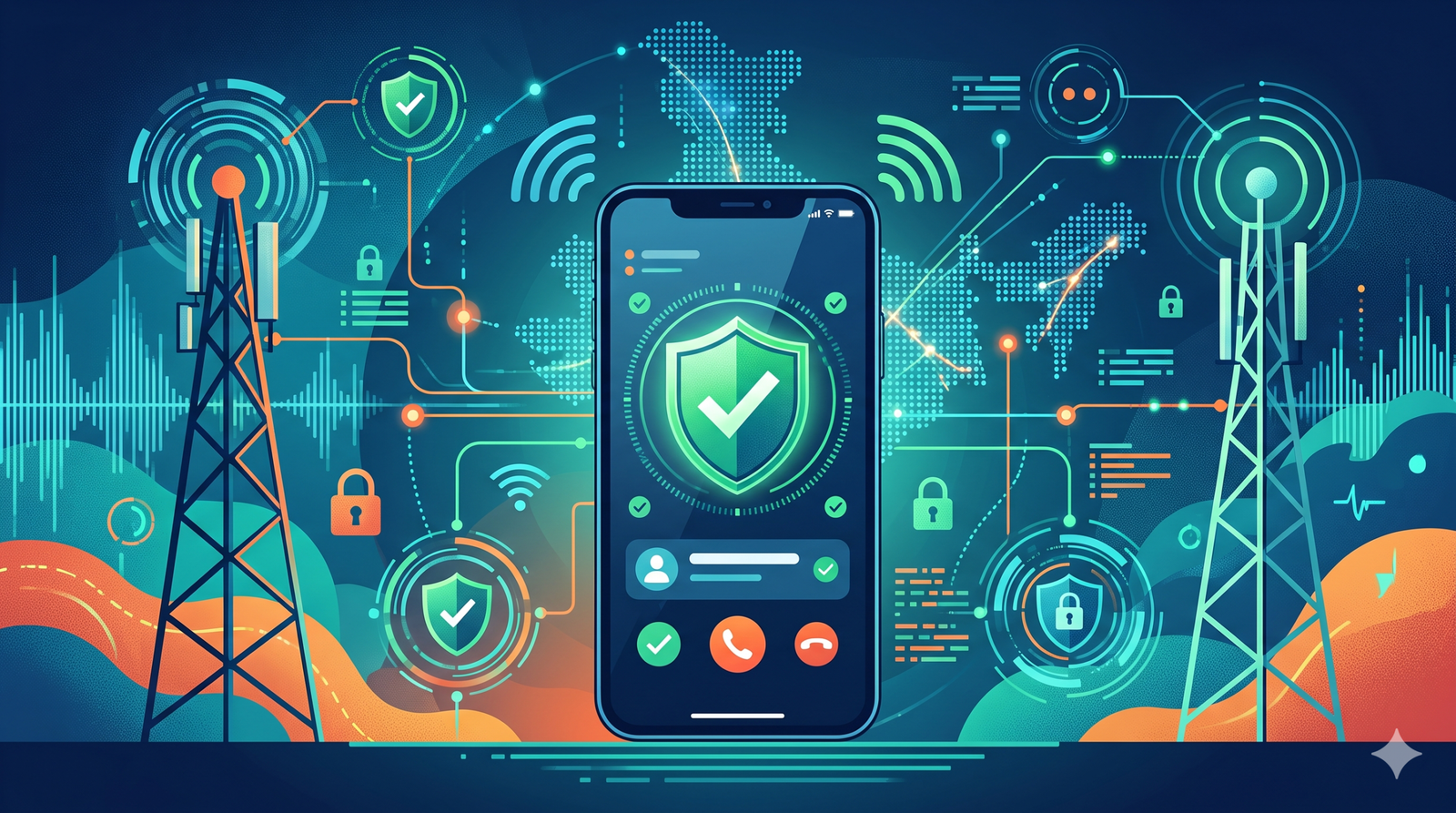
From November 1, 2026, that guessing game is about to change in India. A new system called CNAP will show the caller’s registered name on your screen, right next to the number, even if you never saved it. In this guide, we explain CNAP in very simple words: how it works, what its limits are and whether it can really stop scammers.
Quick Summary: CNAP in 30 Seconds
- CNAP stands for Calling Name Presentation.
- The Department of Telecommunications (DoT) told Jio, Airtel, Vi and BSNL to start it from November 1, 2026.
- It shows the name linked to the caller’s mobile number in the telecom company’s records.
- It starts on 4G, 5G and newer networks and is switched on by default.
- International calls will show “International Call” instead of a name.
- It is helpful but not magic. A name on the screen does not prove a call is safe.
What Is CNAP? (Simple Explanation)
Imagine a school where every student wears a name badge. When someone walks up to you, you can read the badge and know who they are. CNAP is like a name badge for phone calls.
Every SIM card in India is linked to a person or a business through KYC, which means “Know Your Customer”. That is the paperwork you fill out and the ID you show when you buy a SIM. The telecom company saves the name from that paperwork. CNAP lets the receiving phone display that saved name when the call arrives.
How Does CNAP Work?
Here is the process in easy steps:
- Someone calls you. Their phone company knows the name linked to that number.
- The networks talk to each other. The caller’s name information is made available to your phone company.
- Your phone shows the name. You see the name along with the number on the incoming call screen.
- The call ends. The rules say the name should not be stored or kept after the call ends, which is meant to protect privacy.
The important point is that this happens inside the telecom network. You do not have to install an app, and the caller does not need any app either.
Do I Have to Turn It On?
No. CNAP is switched on by default on 4G and newer networks, so you should not need to register or opt in. You can read more on how to hide your own name in the section below.
What If the Number Is Already in My Contacts?
Your saved contact name wins. If you saved a number as “Dadi”, you will still see “Dadi”. CNAP only shows the registered name for numbers you have not saved.
Who Has to Do This?
All the big telecom operators: Reliance Jio, Bharti Airtel, Vodafone Idea (Vi) and BSNL. The directive came from the DoT on October 13, 2026. It follows an older idea from TRAI, India’s telecom regulator, which recommended caller name display back in February 2024.
The DoT also changed the official meaning of CLI (Calling Line Identification) in the telecom licence rules. From November 1, CLI includes the caller’s name as recorded in the operator’s subscriber database.
What Will You See on Your Screen?
| Type of Call | What Appears |
|---|---|
| Number saved in your contacts | Your saved contact name |
| Unsaved Indian number | Registered KYC name plus the number |
| International call | “International Call” |
| Registered business with approved trade name | The approved business name |
| Caller has chosen name restriction (CLIR) | Name is not shown |
| 2G, 3G or landline | Not covered at the start |
What About Businesses?
Companies often have a legal name that is different from the name customers know. For example, a shop might be registered as “ABC Traders Private Limited”, but everyone calls it “Sunrise Stores”.
The rules allow business and bulk connections to show a preferred name instead, but only if it is backed by paperwork. That means either a trademark registered with the Trade Marks Registry or a trade name registered on the GST portal. The telecom company must check the original documents before approving it. This stops random people from claiming a famous brand name.
Can It Really Stop Scammers?
This is the question everyone is asking. The honest answer is: it can help, but it cannot stop scams on its own.
How CNAP Can Help
- More information before you answer. A real name is better than a blank number.
- Mismatches become obvious. If someone says “I am from your bank” but the screen shows a random person’s name, that is a warning sign.
- It can discourage misuse. People who use SIMs for fraud may think twice if their registered name will be shown.
- It works for everyone. You do not need a special app, so older and less tech-savvy users can also benefit.
Where CNAP Falls Short
Tech experts and reporters point out several limits. Let us go through them one by one.
1. The Name Might Be Wrong or Out of Date
CNAP shows what is in the telecom company’s records. If the records have an old name, a spelling mistake or someone else’s details, that is what you will see. A person’s everyday name might also be different from their registered name.
2. Caller ID Spoofing
Spoofing is a trick where a scammer makes the call look like it is coming from a different number. If a fake number goes through and CNAP finds the name linked to it, you might see a real person’s or bank’s name, even though that is not who is calling. A name on the screen shows who owns a number, not who is actually speaking.
3. SIMs Taken in Someone Else’s Name
If a criminal gets a SIM using fake or borrowed documents, the name shown will be the name on those documents. The telecom regulator has been fighting such cases for years, but they still exist.
4. International Calls Get a Generic Label
Calls from abroad will say “International Call”. That does not mean they are scams. Many are from relatives, workers and businesses. But it also means you cannot identify an overseas caller by name.
5. Calls Over Apps Are Not Covered
CNAP is a telecom network feature. Calls made through WhatsApp, Telegram or other internet calling apps do not go through this system, and a lot of scams happen there.
6. Not Everywhere on Day One
It starts on 4G, 5G and newer networks. For 2G, 3G and landlines, the DoT will look at them later.
7. Scammers Do Not Need Your Trust From the Phone Screen Alone
A scammer can use a calm voice, a familiar-sounding name and a sense of panic. A displayed name can even make people trust the call more, which is risky. The rule to remember is simple: a name on the screen is not proof.
CNAP vs Truecaller: What Is the Difference?
Many people use apps like Truecaller already. So how is CNAP different?
| Question | CNAP | Truecaller and similar apps |
|---|---|---|
| Where does the name come from? | Telecom operator’s KYC records | The app’s own database, user reports and other signals |
| Do I need an app? | No, it is part of the network | Yes, you install it |
| Does it warn about spam? | Not by itself. It shows a name, not a spam label | Yes, many apps flag suspected spam |
| How accurate is the name? | As accurate as the operator’s records | Can include nicknames, old or wrong labels |
| Business names? | Verified with trademark or GST documents | Business data from the app’s own sources |
| Works on all calls? | Telecom calls on 4G and newer, at first | Depends on the app and phone |
TRAI has noted that caller ID tools based on user-shared data are not always reliable, because they depend on crowd-sourced information. CNAP was designed to use official records instead. But that does not mean the apps will vanish. They do a different job: apps can warn that a call looks like spam, while CNAP tells you the name tied to the number.
Which Name Will You See if You Use Both?
This depends on your phone and the app. Your saved contact name comes first. After that, the CNAP name from the network and the name from an app may both exist, and they might be different, because they come from different sources. Do not be surprised if the two do not match.
So Who Wins?
They are partners, not enemies. A smart approach is to use both: look at the registered name from CNAP, and also use spam warnings from your phone’s built-in protection or your telecom company’s spam filter. Airtel, for example, already runs a network-level spam detection system.
Privacy: Is It Safe to Show My Name?
Some people worry about their name being shown to strangers. Here is what the rules say:
- Security by design: The DoT says the name found during a call should not be kept after the call ends.
- Opt-out option: Users who have chosen Calling Line Identification Restriction (CLIR) will not have their names shown.
- Complaints: Operators must set up a time-bound system to handle complaints about CNAP.
Experts say the details of how users can manage their privacy will matter a lot. When your operator explains the exact steps, read them carefully, especially if you have safety concerns, for example a person who does not want an unknown caller to learn their name.
How to Stay Safe From Scam Calls (Even With CNAP)
CNAP is one tool. These habits are the real shield:
- Never share your OTP. No bank, shop or government office will ask for it on a call.
- Do not share card numbers, PINs or passwords. Ever.
- Do not trust the screen alone. A scammer can sound polite and use a believable name.
- Hang up and call back. Use the official number from your bank card, the bank’s website or your statement.
- Be careful about “digital arrest” and fake police or customs calls. Real agencies do not demand money over a video or phone call.
- Do not install apps because a caller told you to. Remote-access apps can let scammers take control of your phone.
- Do not click on links sent by strangers.
- Take your time. Scammers create panic and push you to act fast.
- Talk to your family, especially older relatives, about these tricks.
If You Get Cheated or See a Suspicious Call
- Call the national cyber crime helpline 1930 quickly if money has been taken, since fast reporting can help.
- Report on the official cybercrime portal and the government’s Sanchar Saathi website, where you can report suspected fraud calls and messages.
- Tell your bank at once so they can try to block the transaction.
Always type official website addresses yourself, or use the government’s official app stores, rather than clicking links in messages.
What Should You Do Before November 1?
- Check your own SIM details. Make sure the name your telecom company has is correct. If it is wrong, ask them to update it.
- Know about CLIR. If you want to restrict your name display, ask your operator whether this option is available and how it works.
- Update your phone software. Newer software helps with calling features.
- Warn your family. Explain that a name on the screen is helpful but not proof.
- Business owners: If you want your trade name displayed, get your trademark or GST trade name documents ready for your operator.
Will Every Phone Show the Name?
The directive covers 4G and newer networks, and the name is delivered through the network. But how neatly it appears can depend on your phone and its calling app. Some older or very basic phones may not show it in the same way. Early reports describe this as a network service rather than an app, so it is expected to work on a wide range of phones, but the exact experience will vary. Watch for official updates from your operator.
Why CNAP Matters
India has many mobile users, and spam and fraud calls are a daily annoyance and, sometimes, a serious threat. CNAP is a big step because it uses official records rather than guesses. If records are accurate and rules are enforced, it can raise the cost of anonymous misuse.
At the same time, it should not give people a false sense of safety. The strongest protection is still your own caution.
Simple Word List (Glossary)
- CNAP: Calling Name Presentation, a service that shows the caller’s name.
- KYC: Know Your Customer, the ID check you do when buying a SIM.
- DoT: Department of Telecommunications, part of the Indian government.
- TRAI: Telecom Regulatory Authority of India, the telecom regulator.
- CLI: Calling Line Identification, the information shown about the caller.
- CLIR: Calling Line Identification Restriction, which hides caller identity.
- Spoofing: Faking the number that appears on someone’s screen.
- Crowd-sourced: Information collected from many users, not from official records.
- 4G / 5G: Newer mobile network generations.
- OTP: One-time password. Never share it.
Frequently Asked Questions (FAQ)
What is CNAP?
CNAP, or Calling Name Presentation, shows the caller’s registered name on your phone screen along with their number.
When does CNAP start in India?
The DoT has asked telecom operators to start it from November 1, 2026.
Which companies must offer it?
Jio, Airtel, Vodafone Idea (Vi) and BSNL.
Do I need to activate CNAP?
No. It is enabled by default on 4G and newer networks.
Will CNAP work on 2G, 3G and landline phones?
Not at the beginning. The DoT is expected to consider those separately.
Will CNAP show a name for international calls?
No. International calls will show the words “International Call”.
Can I hide my name from CNAP?
Users who have opted for Calling Line Identification Restriction (CLIR) will not have their names displayed. Ask your operator for the exact steps.
Will CNAP replace Truecaller?
Not necessarily. CNAP shows a name from official telecom records, while apps like Truecaller also provide spam warnings and other features. Many people may use both.
Can CNAP stop spam and scam calls?
It can help you judge calls, but it does not block them. Caller ID spoofing, wrong records and scams on internet calling apps remain risks.
What if my name is wrong on my SIM records?
Ask your telecom company to correct it, so that the right name is shown to others.
Final Thoughts
India’s new CNAP system is a useful upgrade to the humble phone call. From November 1, an unknown number will come with a name tag, based on official records and not on guesswork. That alone should make people think twice about misusing SIM cards, and it will help honest callers look more trustworthy.
- But a name tag is no